

Partner Resources
Partner Resources
Section titled “Partner Resources”Downloadable marketing collateral for SIPSTACK channel partners and affiliates. Everything here is brand-aligned and ready to use as-is or as a starting point for your own pitches.
One-Pager (8.5×11 landscape)
Section titled “One-Pager (8.5×11 landscape)”Best for trade shows, networking events, and follow-up emails after qualified sales conversations. Front carries the hero and key value props; back covers the operational split (what you do vs what we run) and apply CTA.
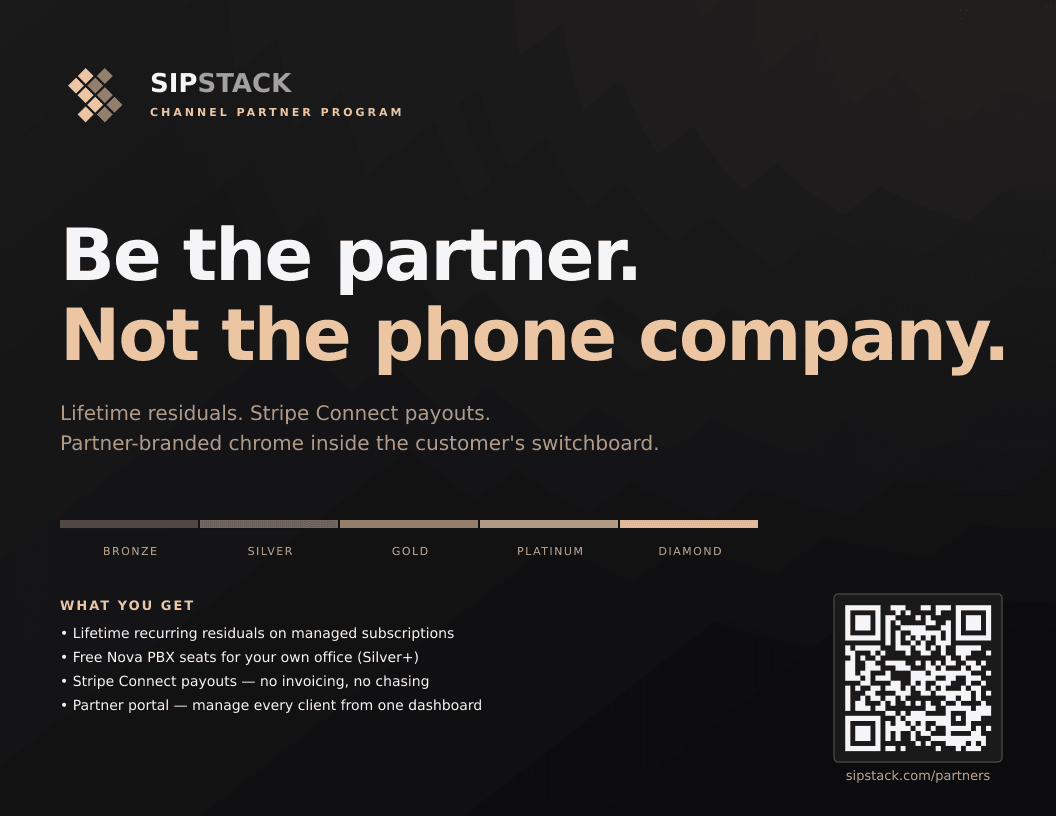
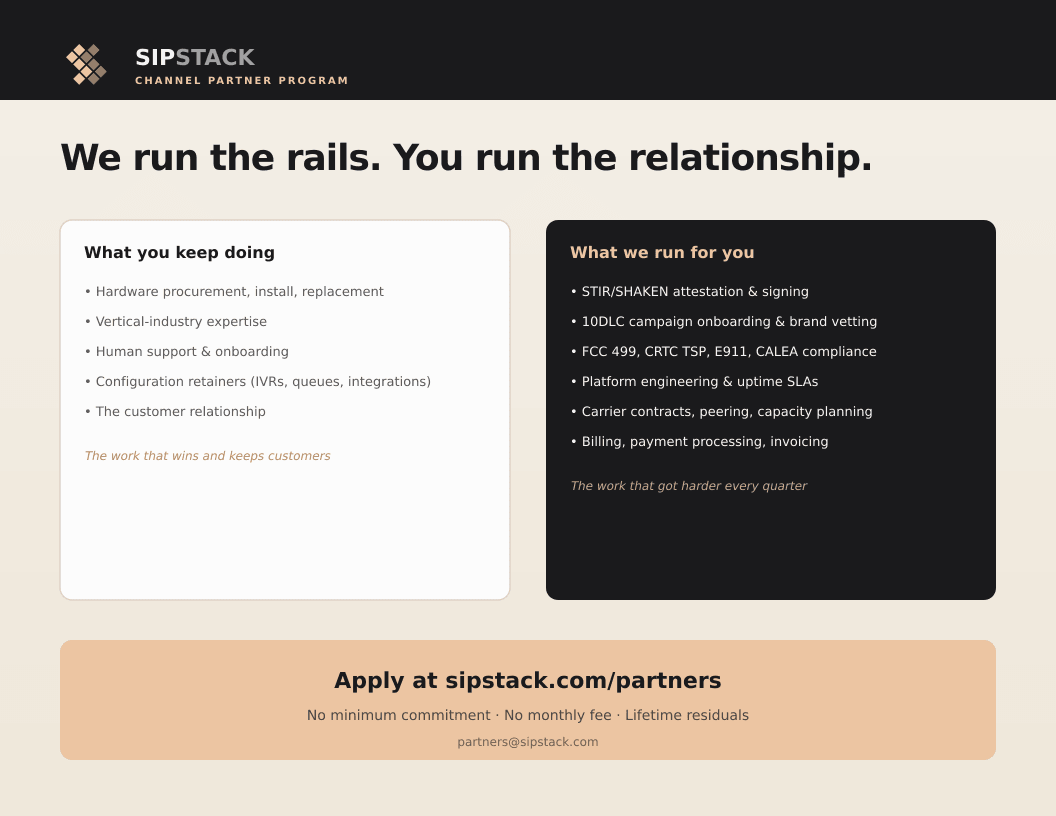
When to use: physical handout at events, email attachment ahead of sales calls, leave-behind during customer site visits.
Print Sales Sheets (8.5×11 portrait)
Section titled “Print Sales Sheets (8.5×11 portrait)”Single-sided take-aways tailored to two distinct prospect profiles. Both include a QR code that points to the appropriate apply path.
Channel Partner sheet
Section titled “Channel Partner sheet”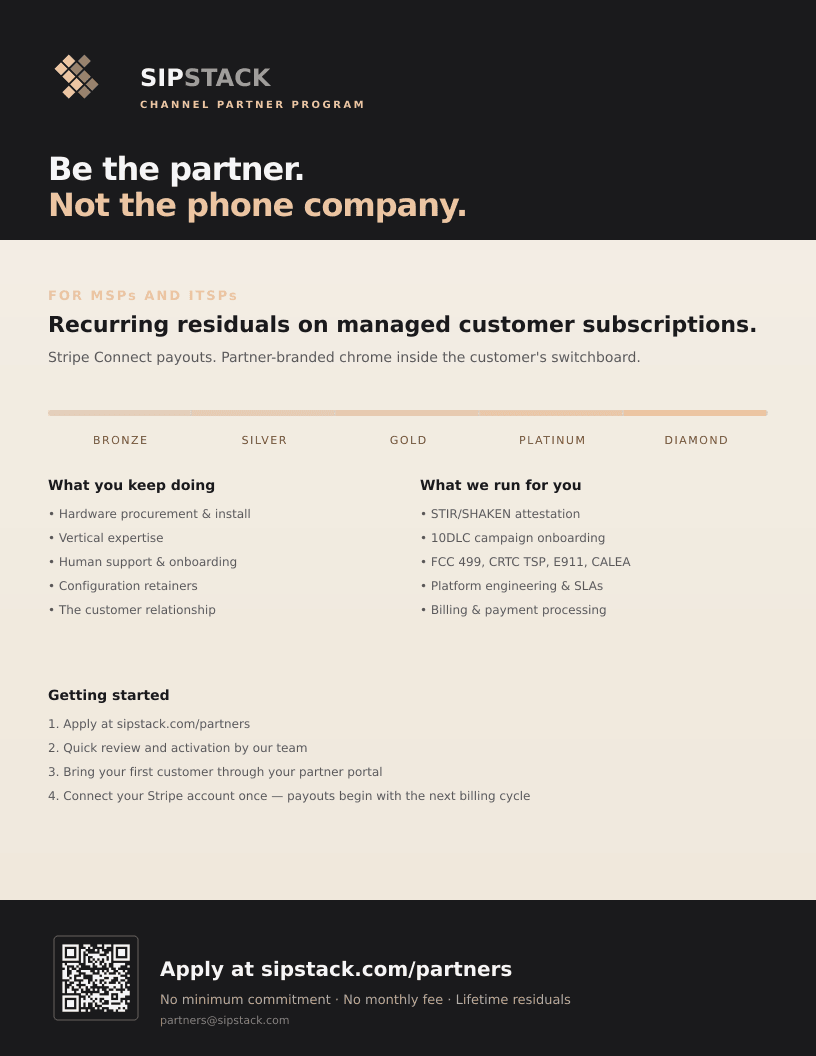
Best for: MSPs, ITSPs, and operators who want recurring residuals on a managed customer book.
Affiliate sheet
Section titled “Affiliate sheet”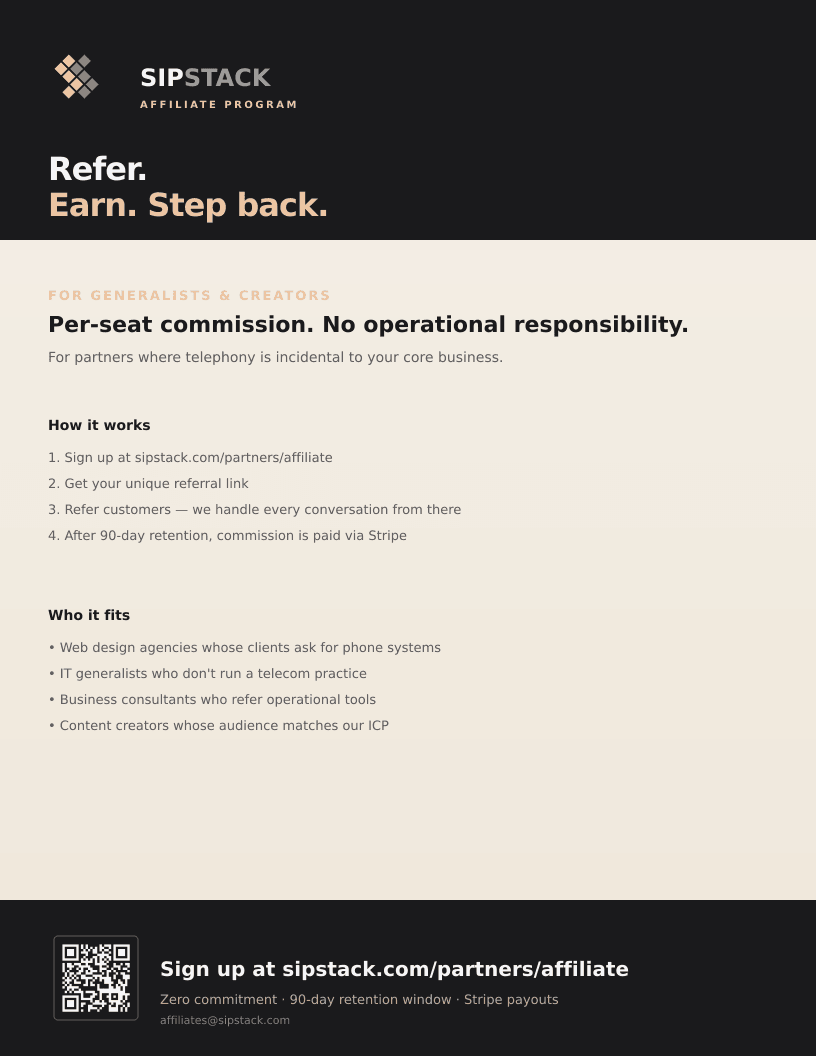
Best for: generalists, content creators, and IT consultants who refer occasionally without ongoing involvement.
Sales Deck Visuals
Section titled “Sales Deck Visuals”Two diagrams from the partner sales deck that are particularly useful to drop into your own pitch decks or proposal documents.
Stripe Connect atomic split
Section titled “Stripe Connect atomic split”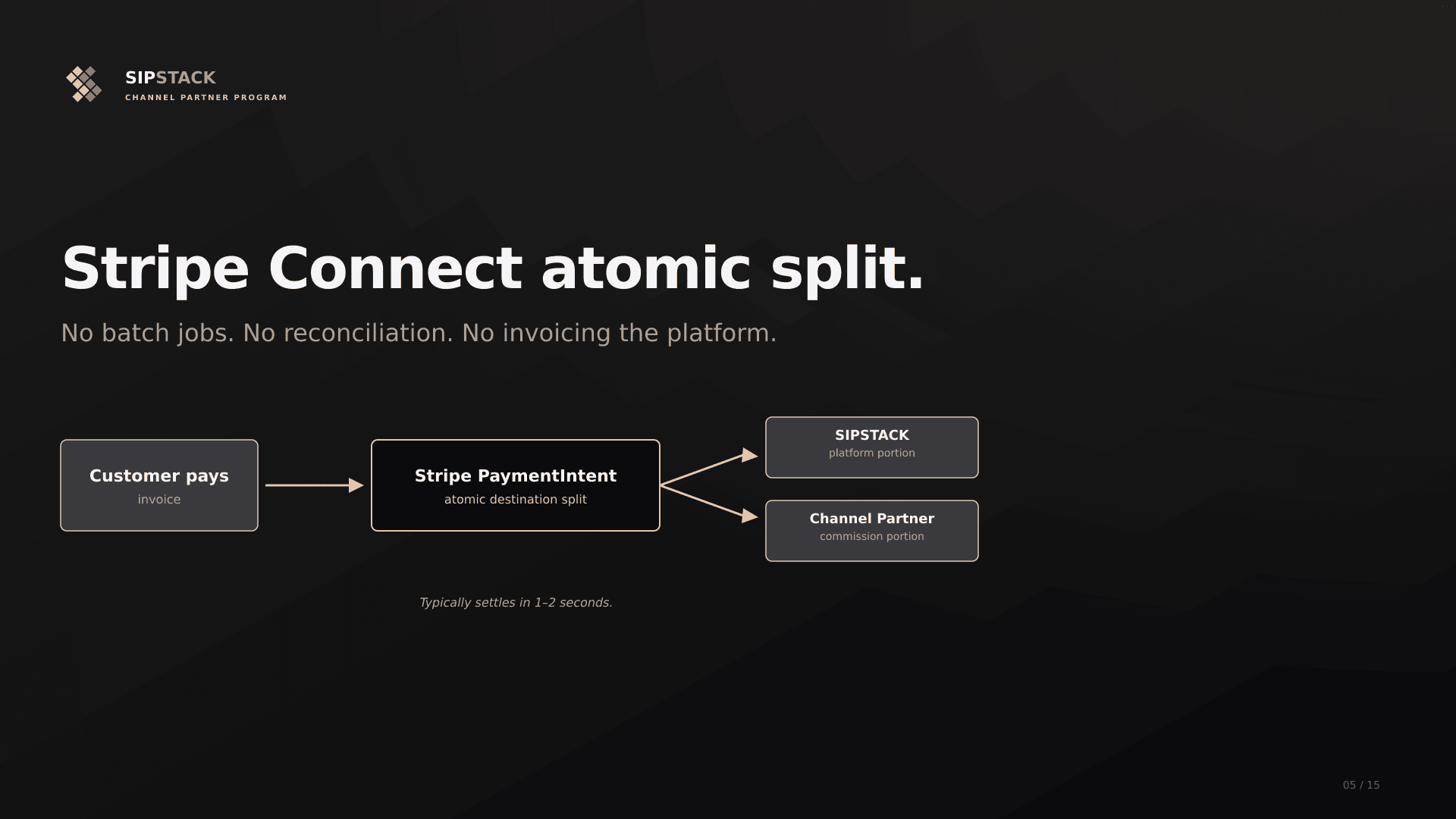
Use this when: explaining how the channel partner payout mechanic actually works — particularly when prospects ask “how does the money flow?” or are comparing your offer to a traditional reseller model with monthly invoicing overhead.
Tier ladder
Section titled “Tier ladder”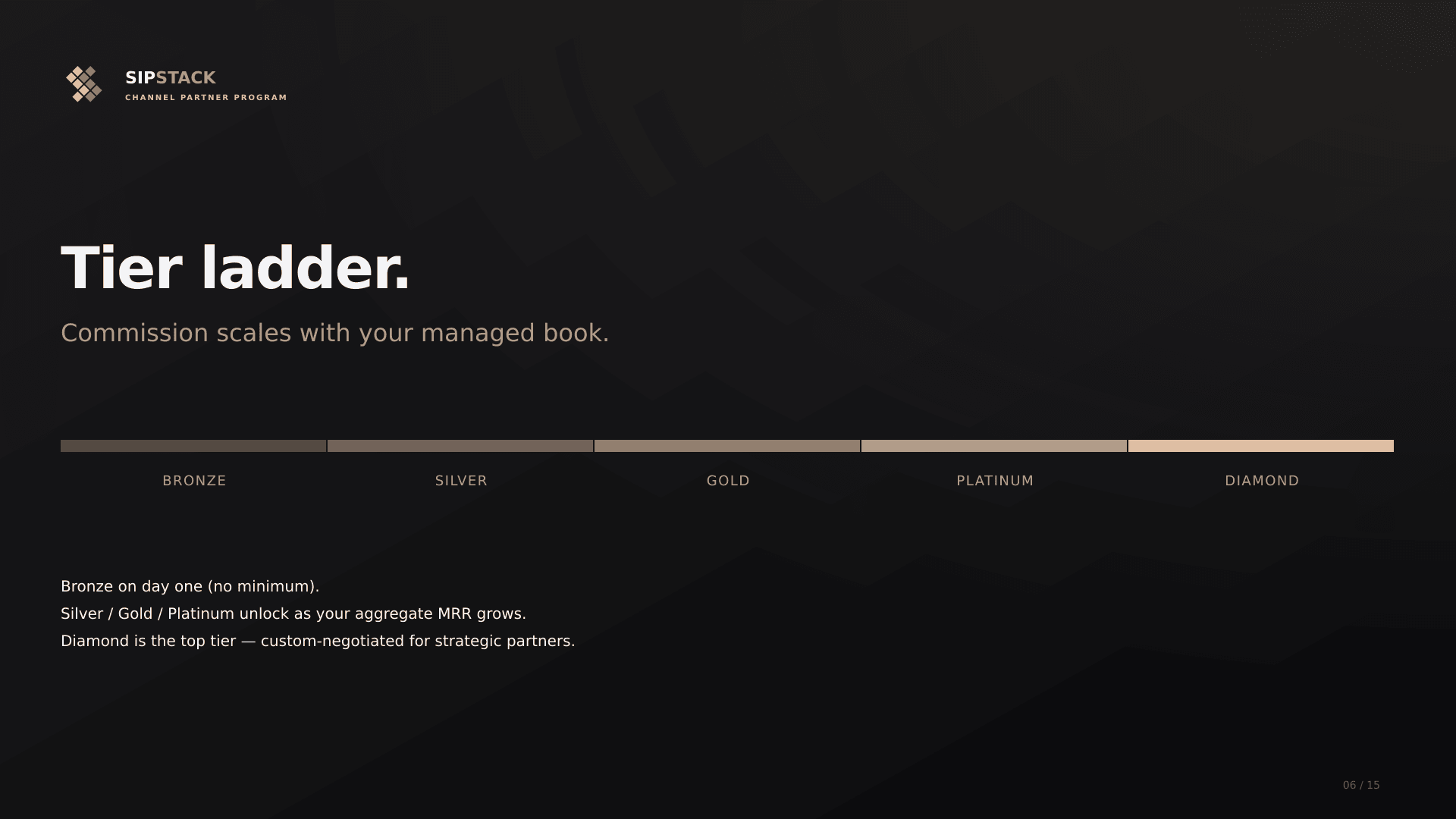
Use this when: introducing the commission ladder. Pairs well with the Revenue Share Tiers section of the channel partners reference.
Social Cards
Section titled “Social Cards”Pre-sized graphics for posting on LinkedIn and X when announcing partner program updates or sharing the apply link.
LinkedIn (1200×627)
Section titled “LinkedIn (1200×627)”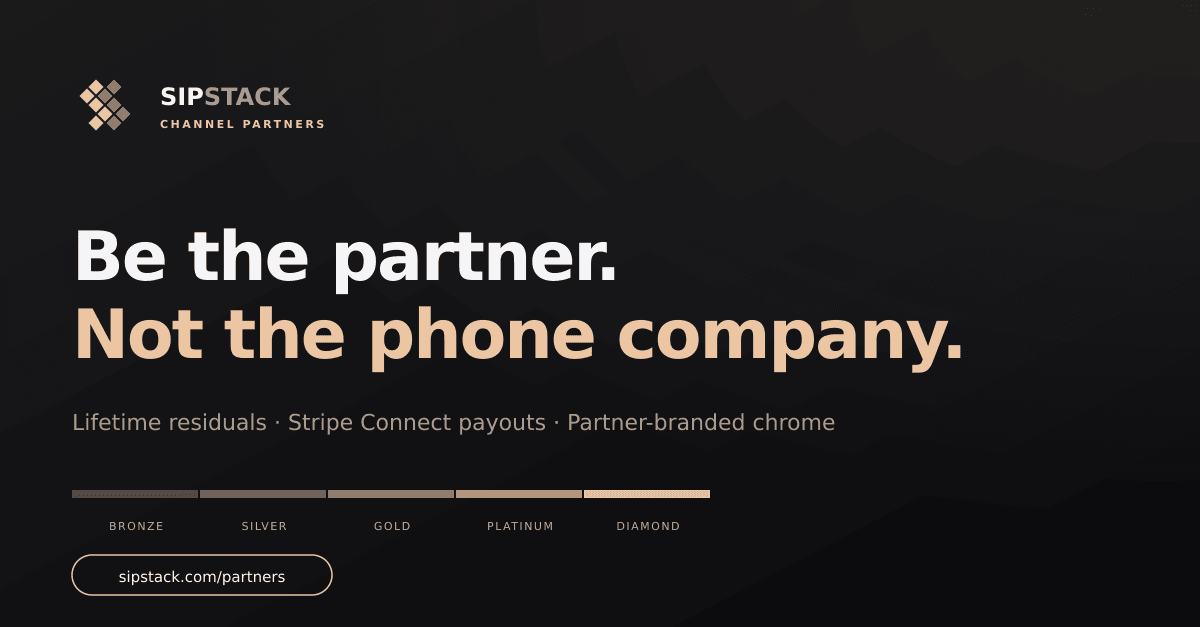
X / Twitter (1600×900)
Section titled “X / Twitter (1600×900)”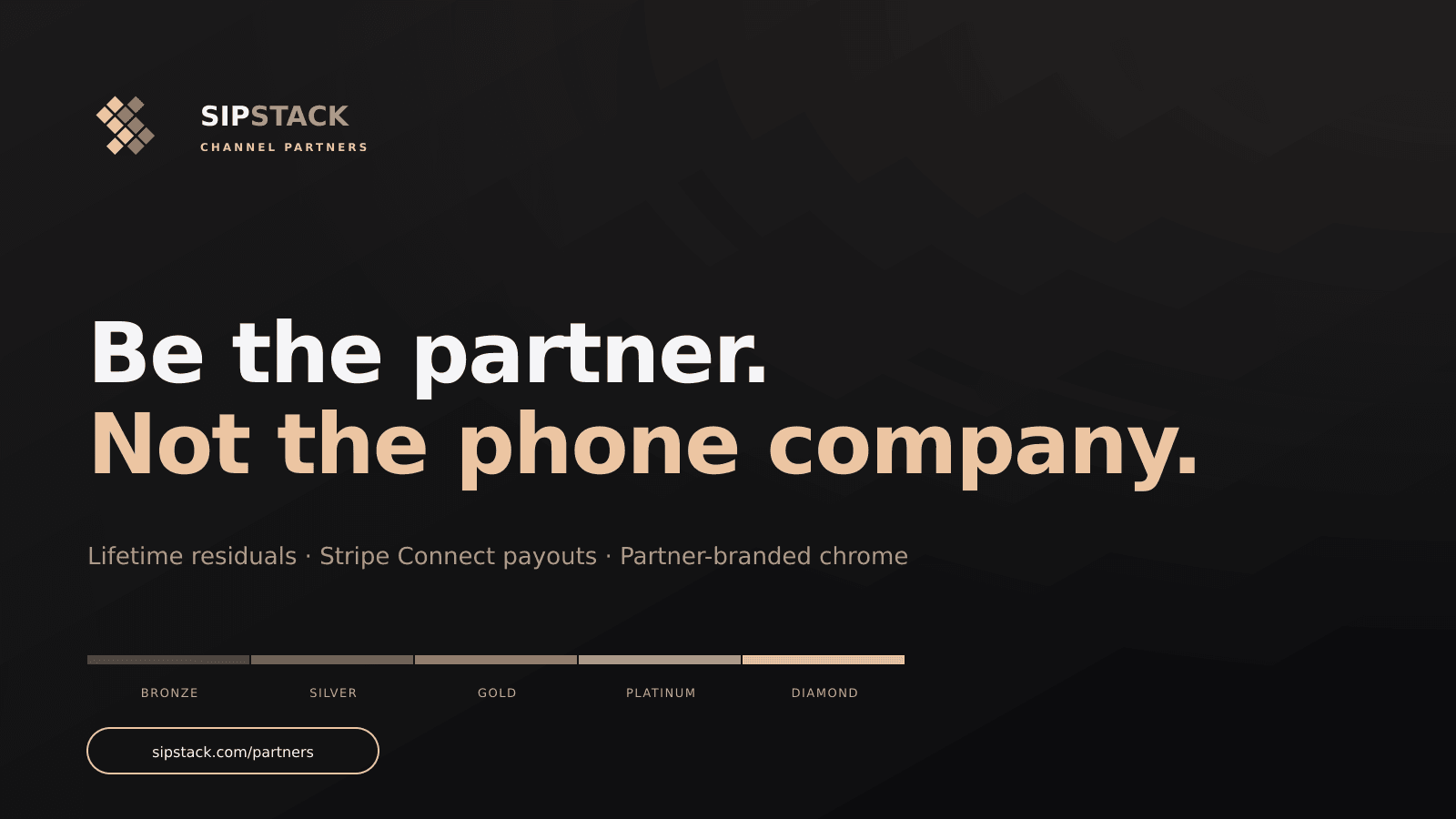
When to use: company-page posts about the partner program, organic shares of the apply link, paid ad creative.
Partner Directory Hero
Section titled “Partner Directory Hero”The hero illustration used on /partners/find — the public partner directory.

When to use: if you’re producing content about the partner directory (e.g., a blog post announcing your listing), this is the canonical hero image.
Brand Standards
Section titled “Brand Standards”All assets above adhere to the canonical SIPSTACK brand palette (Near-black, Platinum, Oatmeal gold accent, Linen). Do not modify the color palette when adapting these for your own materials. If you need a co-branded variant (your logo alongside SIPSTACK’s), email partners@sipstack.com — we can produce one within the brand system.
The full brand color reference lives in brand/COLORS.md in the SIPSTACK platform monorepo. Key tokens:
- Near-black:
#1A1A1C - Platinum:
#F5F5F7 - Oatmeal:
#ECC5A2(premium accent) - Linen:
#BEAB9A(warm secondary)
Regenerating Assets
Section titled “Regenerating Assets”The marketing assets are SVG-sourced and rendered to PNG via the unified script at packages/www/scripts/generate-marketing-assets.js. To re-render after a brand update:
cd packages/wwwnpm install # ensures sharp + qrcode devDeps are presentnode scripts/generate-marketing-assets.js # all 27 assetsnode scripts/generate-marketing-assets.js <variant> # single variantAfter regen, copy any updated assets that are referenced in this docs site from packages/www/public/marketing/ to packages/docs/public/marketing/ — Astro/Starlight serves docs assets from packages/docs/public/.
Need Something Custom?
Section titled “Need Something Custom?”For co-branded materials, larger formats, or vector source files, contact partners@sipstack.com directly. We can produce custom collateral for strategic partners on request.