

Logging In
Logging In
Section titled “Logging In”Switchboard is SIPSTACK’s customer portal — the place where you manage your phone system, messaging, billing, and account settings. You sign in at switchboard.sipstack.com with the email address and password on your SIPSTACK account.
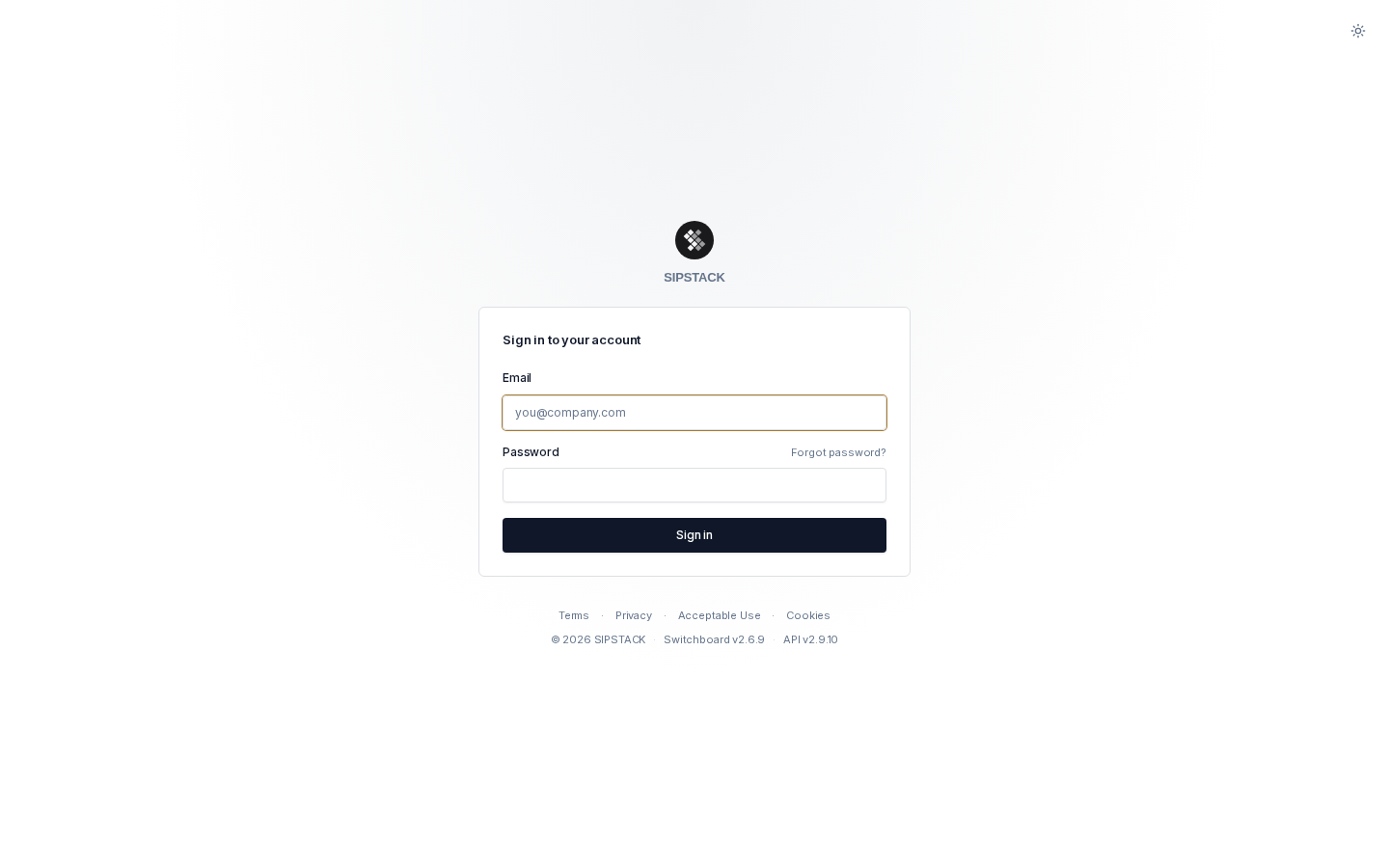
Signing In
Section titled “Signing In”- Go to switchboard.sipstack.com. You land on the sign-in page automatically if you are not already signed in.
- Enter your email address.
- Enter your password, then click Sign in (or press Enter).
- If two-factor authentication is enabled on your account, you are prompted for a 6-digit code from your authenticator app (or a backup code). See Two-Factor Authentication for details.
- You land on the dashboard for your role — for example, the Nova PBX dashboard for organization users.
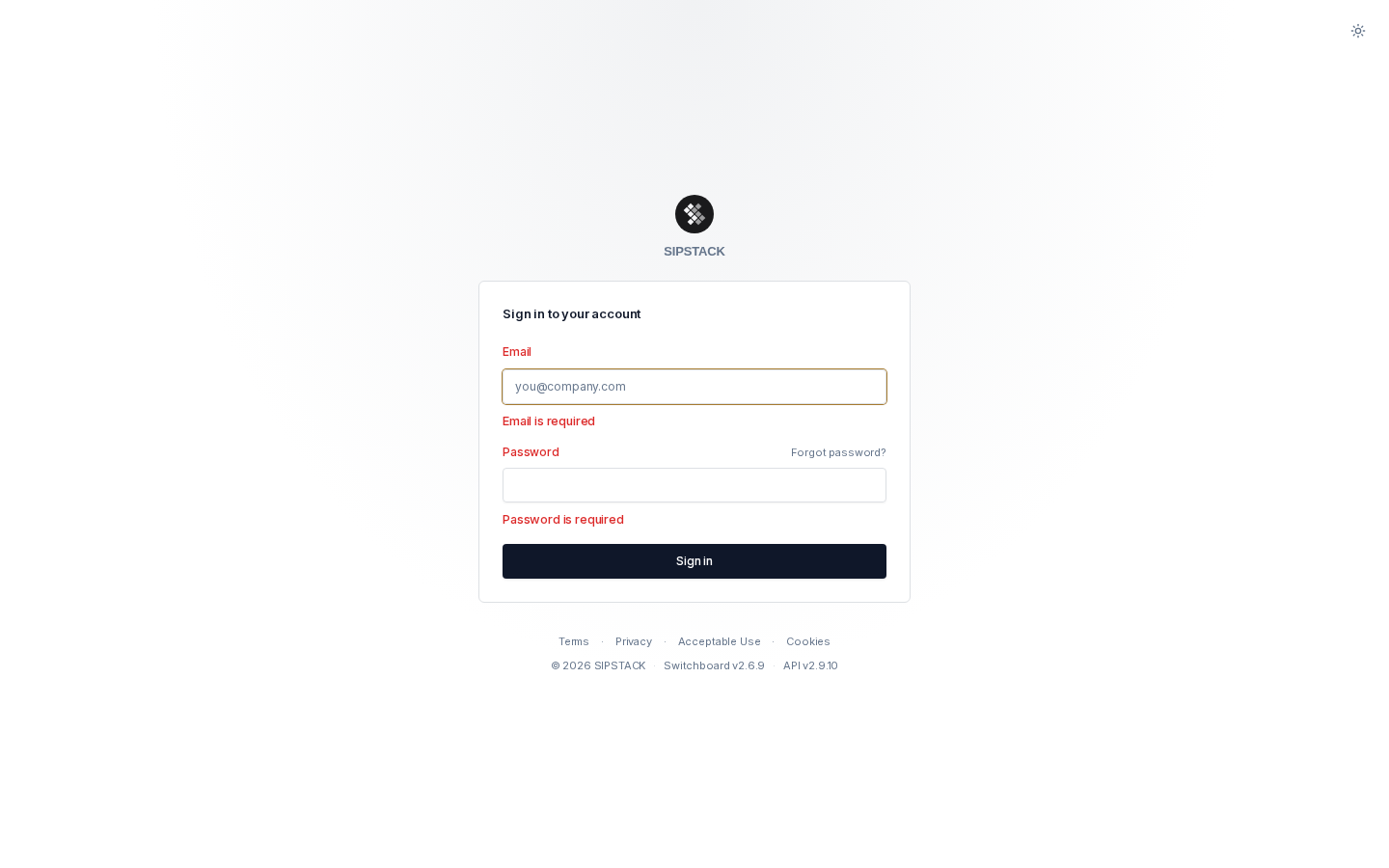
If an administrator has flagged your account for a password change, you are taken to the change password page before you can continue.
Forgot Your Password?
Section titled “Forgot Your Password?”Click Forgot password? above the password field to request a reset email. See Resetting Your Password for the full flow.
Light & Dark Mode
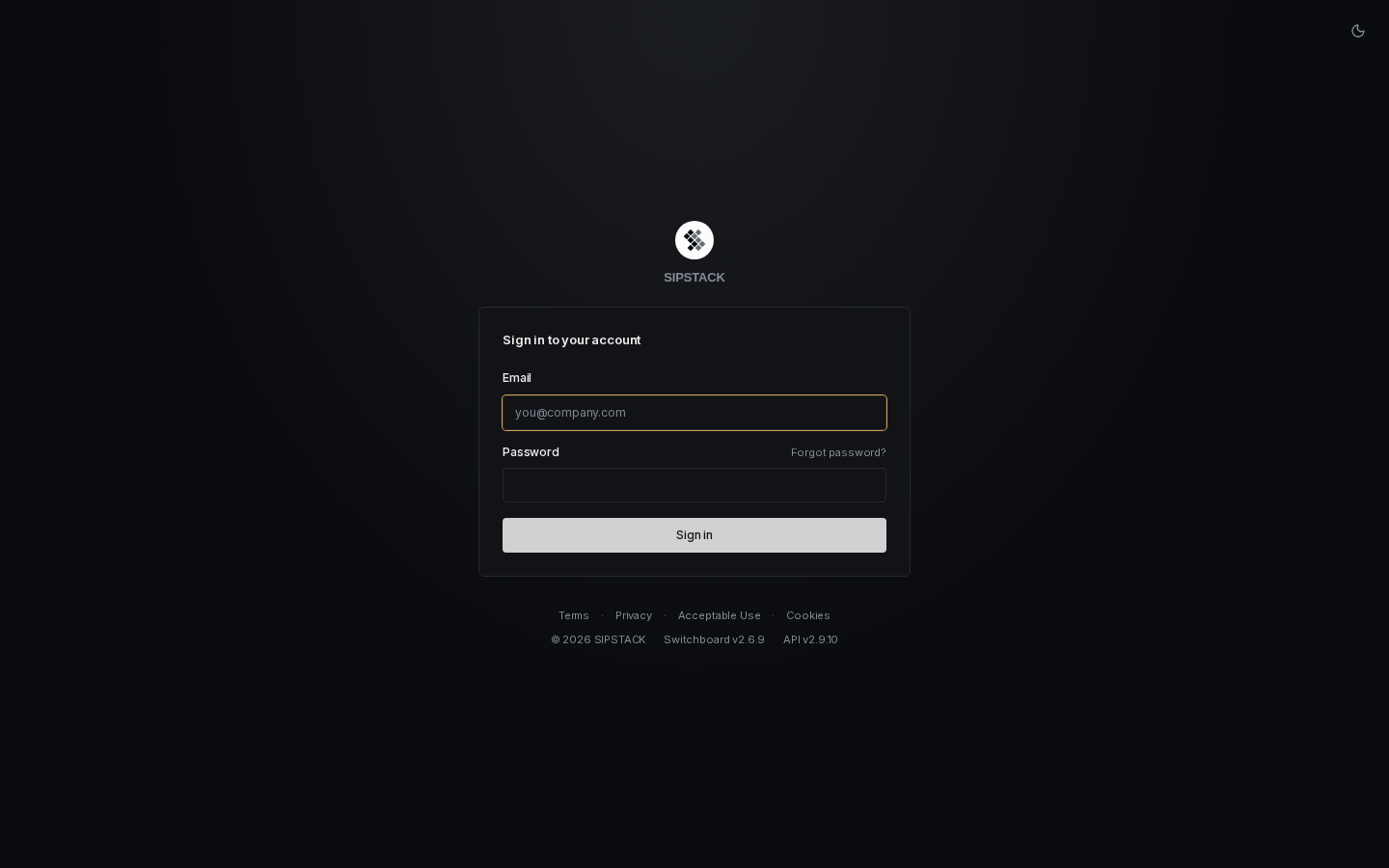
Section titled “Light & Dark Mode”The theme toggle in the top-right corner of the sign-in page switches between light, dark, and system (follows your operating system preference). Your choice is remembered on this device and applies across all of Switchboard.
Sessions
Section titled “Sessions”- A sign-in session lasts up to 8 hours. When it expires, you are returned to the sign-in page with a “Your session has expired” notice — just sign in again.
- If an administrator revokes your session (for example from the Sessions list in your profile), you see “Your session was revoked. Please sign in again.”
- To sign out manually, click your avatar in the top-right corner and choose Sign out. This ends your session on the server and returns you to the sign-in page.
Troubleshooting
Section titled “Troubleshooting”| Message | What it means | What to do |
|---|---|---|
| Invalid credentials | The email/password combination didn’t match. | Check for typos and try again, or use Forgot password? to reset. |
| Too many failed login attempts. Please try again in N minutes. | Sign-in is temporarily locked after 3 failed attempts for the same email within 30 minutes (a broader limit of 5 attempts per 15 minutes also applies). | Wait the indicated time, then try again — or reset your password, which does not require signing in. |
| Your account has been deactivated. Please contact support. | An administrator has deactivated your user account. | Contact your organization’s administrator, or SIPSTACK support. |
| Account suspended page | Your organization’s account is suspended or locked (usually a billing issue). You are redirected to a page with details. | See Suspended Accounts and contact billing. |
| Invalid code (2FA) | The 6-digit or backup code didn’t verify. | Codes rotate every 30 seconds — wait for a fresh one. Backup codes are single-use. See Two-Factor Authentication. |
| Your sign-in session expired (2FA) | You took longer than 5 minutes on the 2FA step. | You are returned to the sign-in form — enter your credentials again. |