

Creating Your Account
Creating Your Account
Section titled “Creating Your Account”Create a self-serve SIPSTACK account at switchboard.sipstack.com/signup. Signup creates your organization, makes you its owner, and starts the Flare SMS plan you choose. A card is required. Flare Pro (and Nova Pro, if you add it) starts with a 14-day free trial — $0 is charged today and you can cancel anytime before day 14. Core and Ultra plans have no trial and are charged at signup.
The Signup Steps
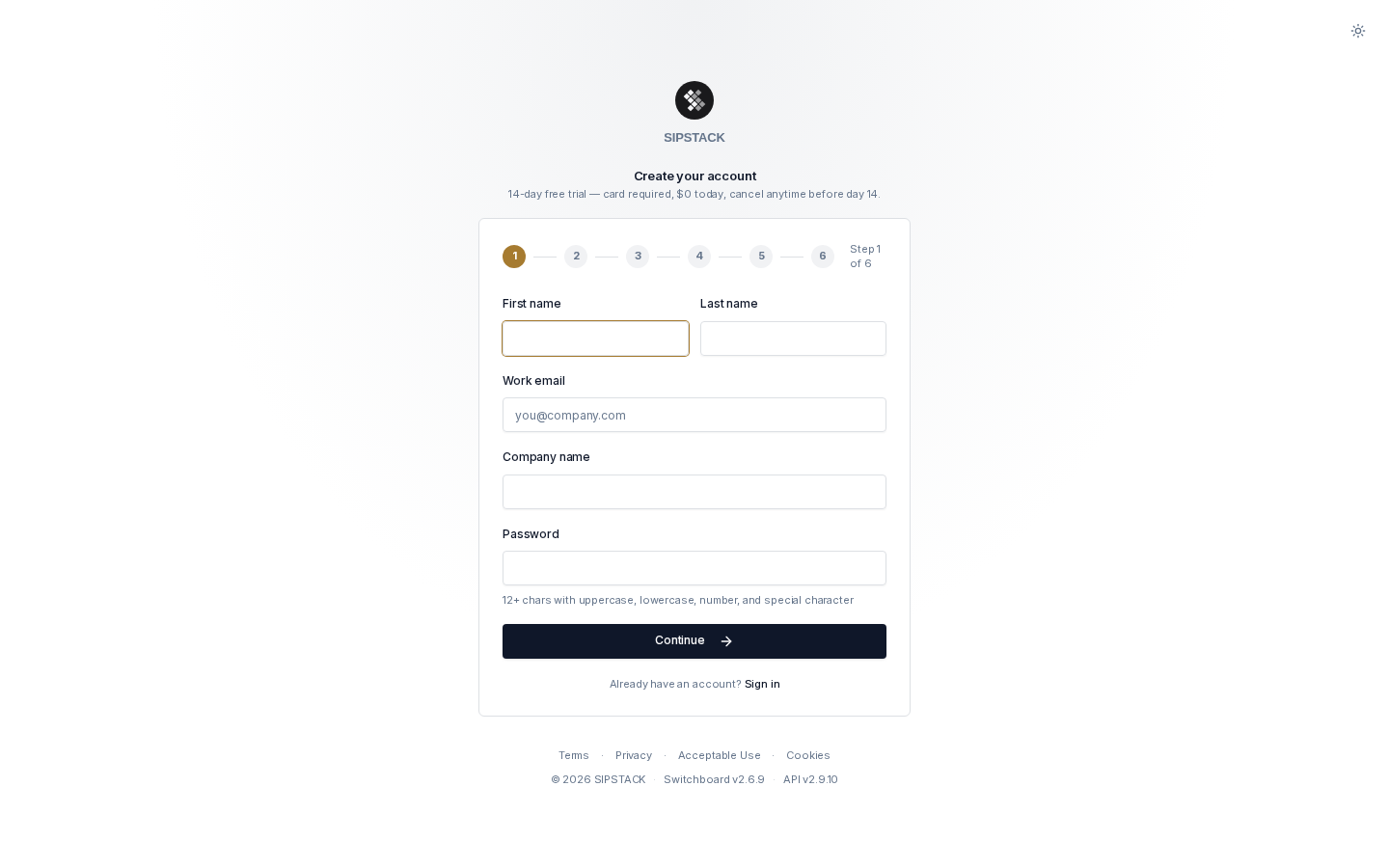
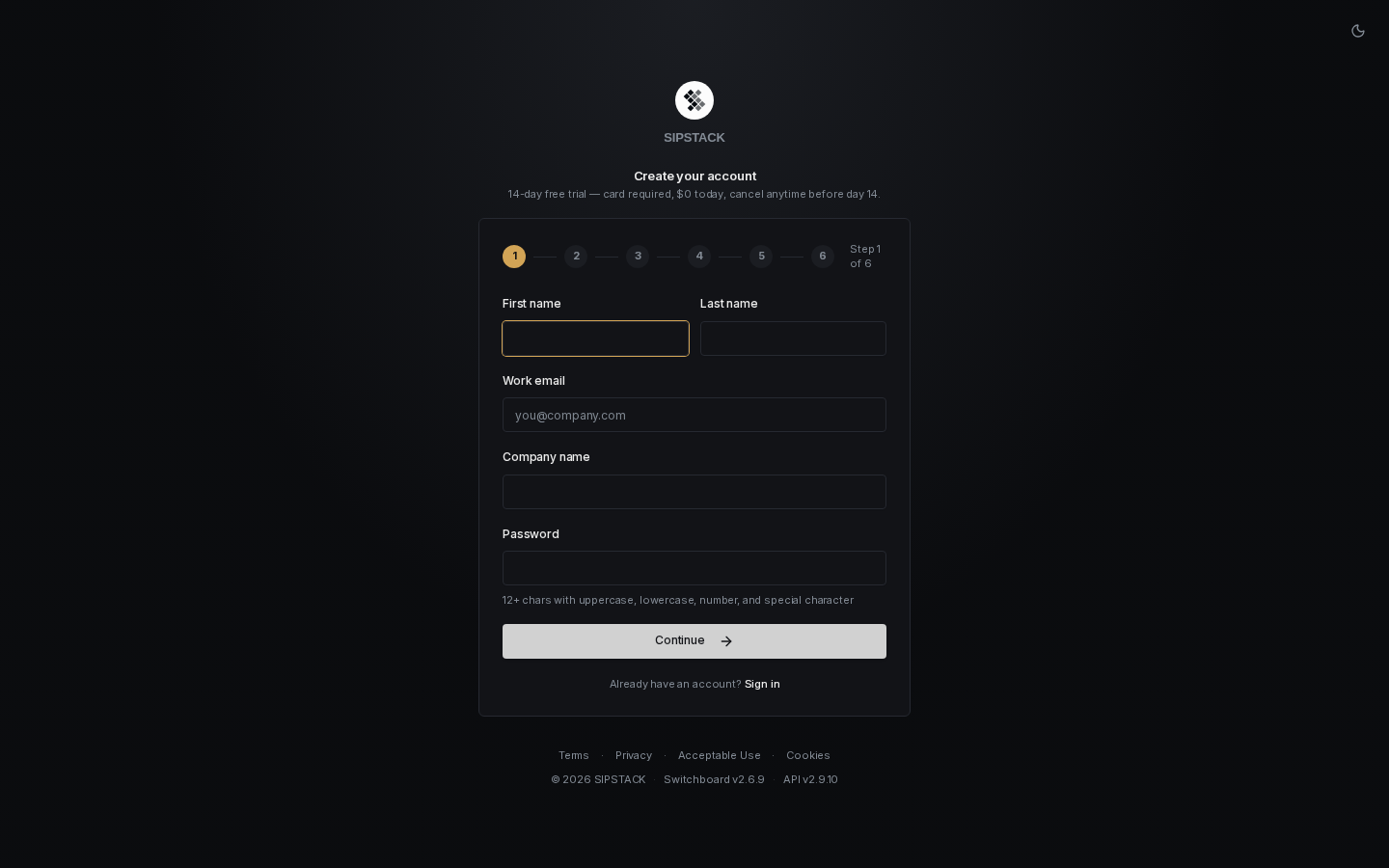
Section titled “The Signup Steps”Signup is a six-step wizard. Your progress is kept as you move back and forth between steps.
1. Account
Section titled “1. Account”Enter your first and last name, work email, company name, and a password.
- The company name is suggested automatically from your email domain — you can change it.
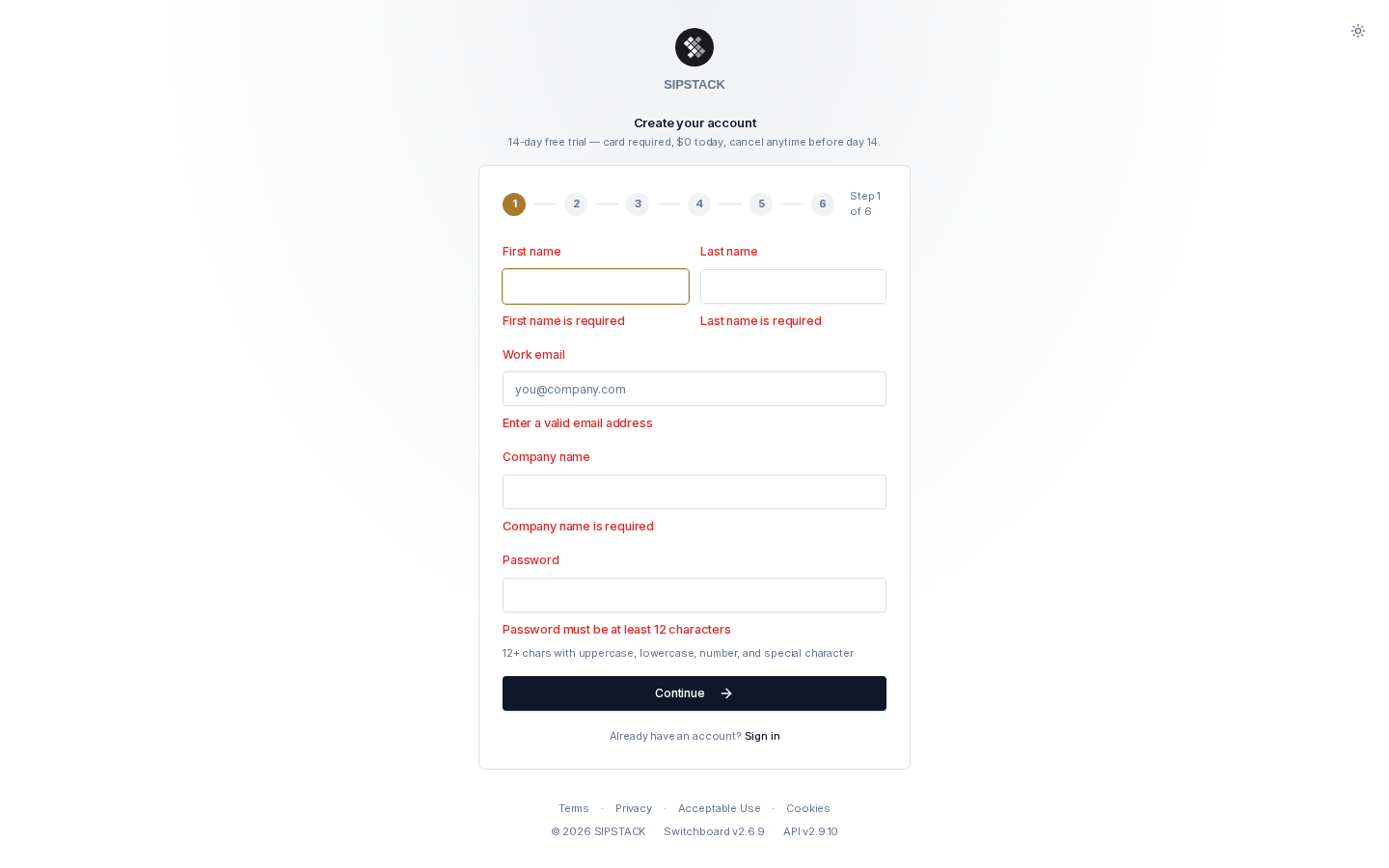
- Your email is checked immediately: if an account already exists you are asked to sign in instead, and disposable or undeliverable addresses are rejected. Use a real, permanent work email.
- Passwords must be at least 12 characters (max 128) and include an uppercase letter, a lowercase letter, a number, and a special character from
!@#$%^&*(),.?":{}|<>.
2. Company Details
Section titled “2. Company Details”Select your country (this sets your billing currency and pricing region), optional state/province, industry, company size, and intended use. These tailor your setup and are required for messaging compliance.
3. Choose Your Flare Plan
Section titled “3. Choose Your Flare Plan”Pick your Flare SMS tier — prices are shown in your local currency. Only Pro includes a 14-day free trial; Core and Ultra are charged at signup. You can change plans later from your account’s Subscriptions page.
4. Add a Phone System (Optional)
Section titled “4. Add a Phone System (Optional)”Optionally bundle Nova PBX — SIPSTACK’s cloud phone system. Nova Pro includes a 14-day free trial; other Nova tiers are charged at signup. Pick a Nova tier and click Add Nova & continue, or Skip if you only need SMS.
5. Payment
Section titled “5. Payment”Add a credit card. For a trial plan (Pro), the card is vaulted, not charged — you pay $0 today, and the plan price is billed automatically on day 14 unless you cancel first. Core and Ultra plans are charged when you create your account. The summary box shows exactly what will be billed today and when.
You can also apply an optional promo code here; valid codes show the discount before you submit.
6. Invite Your Team (Optional)
Section titled “6. Invite Your Team (Optional)”Invite up to five teammates as Admin or Billing users. You can skip this — team members can always be invited later from Account → Users.
Click Create account to finish. You are signed in immediately and land on your new dashboard.
What Happens Next
Section titled “What Happens Next”- Your organization is created and your plan (or trial) starts immediately — explore Switchboard right away.
- Any teammates you invited receive an email with a link to set their password.
- On a trial plan, your card is charged on day 14 for the plan you selected and the subscription becomes active. Cancel before then from Account → Subscriptions to avoid any charge.
Troubleshooting
Section titled “Troubleshooting”| Problem | What to do |
|---|---|
| ”An account with this email already exists” | Sign in instead, or use password reset if you’ve forgotten your password. |
| ”Please use a valid, permanent email address” | Disposable/temporary email domains are not accepted. Use your work email. |
| Card declined or “payment card is already associated with another account” | Each account needs its own card. Use a different card, or sign in to the existing account that already uses it. |
| Too many attempts | Signup is rate-limited per device. Wait an hour and try again. |
Still stuck? Email support@sipstack.com.