

Email Verification & Activation
Email Verification & Activation
Section titled “Email Verification & Activation”Two related flows confirm that you own your email address and can access your SIPSTACK account:
- Email verification (
/verify-email) — confirms the mailbox on an existing account. - Account activation (
/activate) — completes setup of an account that a SIPSTACK partner created for you.
Verifying Your Email
Section titled “Verifying Your Email”When SIPSTACK needs to confirm your email address, you receive a message with a verification link. Clicking it opens Switchboard and verifies the address automatically — no form to fill in.
What you’ll see:
| State | Meaning |
|---|---|
| Email verified | Your address is confirmed. Click Sign in to continue. |
| Already verified | The address was confirmed earlier (for example, you clicked the link twice). Just sign in. |
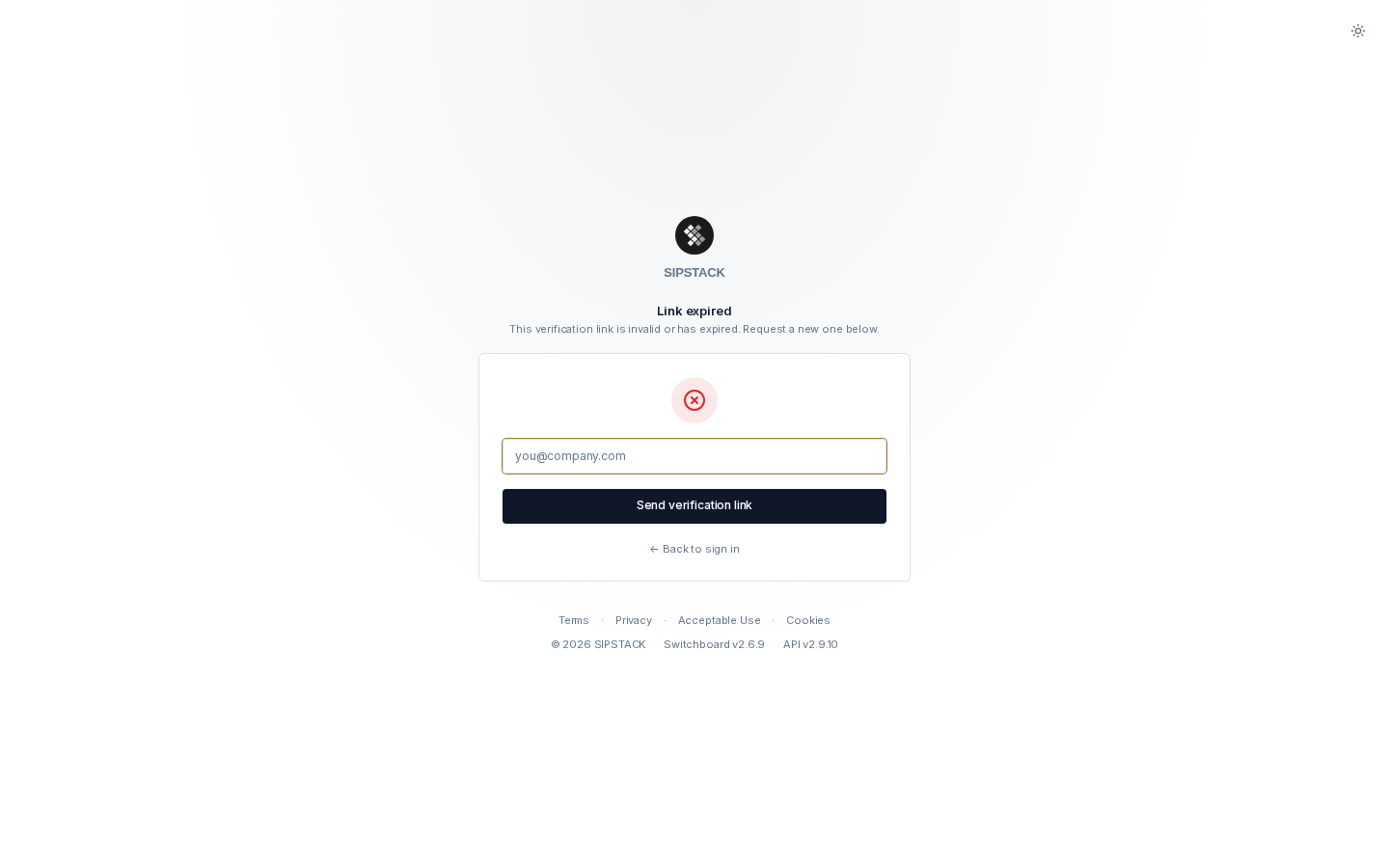
| Link expired | The link is invalid or has expired. Request a fresh one below the message. |
Resending the Verification Link
Section titled “Resending the Verification Link”If your link expired, never arrived, or you opened /verify-email without a link:
- Go to switchboard.sipstack.com/verify-email.
- Enter your email address and click Send verification link.
- Check your inbox (and spam folder) for the new message — the previous link stops working once a new one is issued.
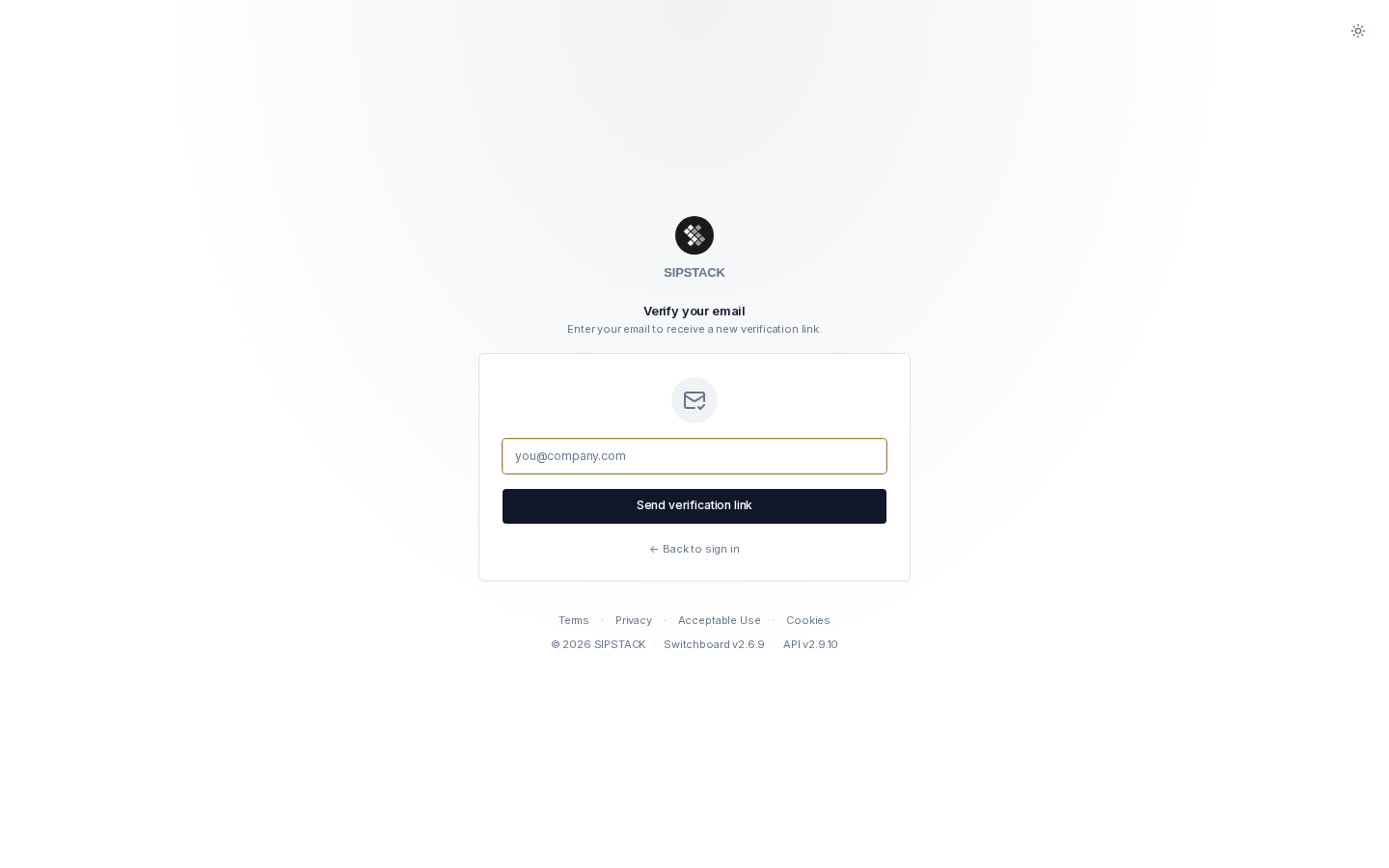
For security, the page always reports success: a new link is only actually sent when the address belongs to a registered, not-yet-verified account. Resends are limited to 3 per hour.
Activating a Partner-Created Account
Section titled “Activating a Partner-Created Account”When a SIPSTACK partner sets up an organization on your behalf, you receive an invitation email containing an activation link (valid for 30 days, single use). The link opens the activation page:
- Confirm or adjust your first and last name (pre-filled by your partner).
- Your email address is fixed — it was set by your partner and cannot be changed on this page.
- Choose and confirm a password (12+ characters with an uppercase letter, a lowercase letter, a number, and a special character).
- Accept the Terms of Service and click Activate account.
You are redirected to the sign-in page — sign in with your email and the password you just set.
Activation Link Problems
Section titled “Activation Link Problems”| Message | What it means | What to do |
|---|---|---|
| Link expired | Activation links are valid for 30 days. | Contact your partner and ask them to send a new invitation. |
| Already activated | The link was already used. | Just sign in. Forgot the password? Use password reset. |
| Invalid link | The URL is incomplete or the token wasn’t recognized. | Re-copy the full link from the email, or ask your partner for a new invitation. |