

What Is Pulse
What Is Pulse
Section titled “What Is Pulse”Pulse is the SIPSTACK softphone. It turns your SIPSTACK phone extension into a full phone you carry anywhere — on iOS, Android, desktop (macOS, Windows, and Linux), and in any web browser. Sign in once and your extension follows you across every device.
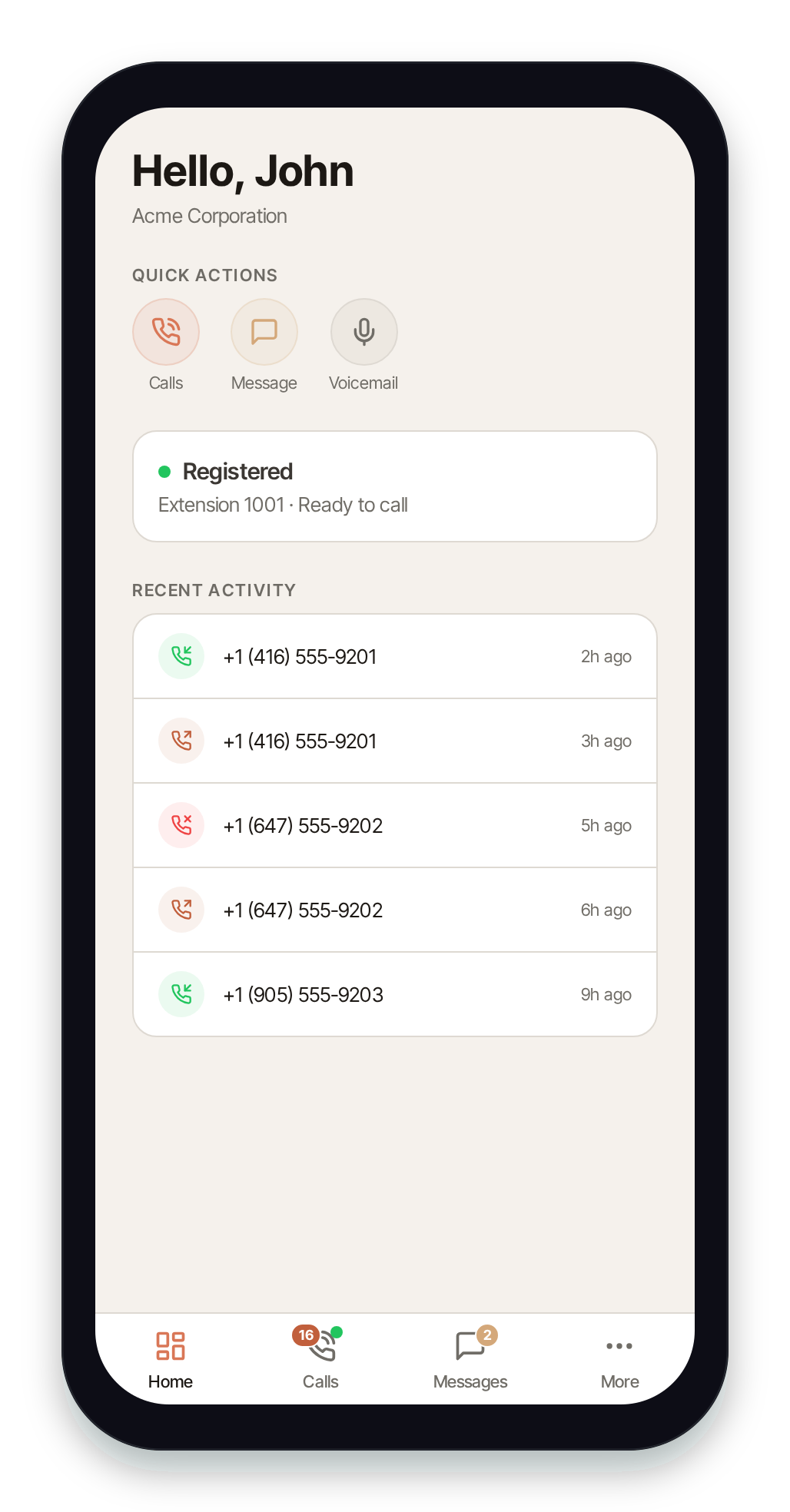
One app, your whole line
Section titled “One app, your whole line”A single Pulse login gives you everything tied to your extension:
- Calls — place and receive calls on your extension, with recents, hold, transfer, and your org’s directory.
- SMS & MMS — text from your business number, including pictures and group messages.
- Fax — send faxes and read inbound faxes (delivered as PDFs) right in the app.
- Voicemail — visual voicemail with transcriptions, so you can read or play messages in any order.
- Contacts — your personal contacts plus your organization’s shared directory.
Same login as Switchboard
Section titled “Same login as Switchboard”Pulse uses your SIPSTACK portal account — the exact same email and password you use to sign in to Switchboard, the SIPSTACK web portal. There’s no separate Pulse account to create. (You can also activate Pulse without typing a password, by scanning a QR provisioning code from Switchboard — see Signing In.)
Pulse requires an active phone extension or messaging seat on your account. If you don’t have one yet, your account administrator assigns seats in Switchboard — see Users & Seats.
Next steps
Section titled “Next steps”- Install Pulse on your phone, desktop, or browser.
- Sign in with your SIPSTACK login or welcome-email QR code.
- Finish first-run setup — notifications and your emergency (E911) location.