

Signup Forms
Signup Forms
Section titled “Signup Forms”Signup forms are hosted web forms that collect SMS opt-ins from your website, landing pages, or kiosks. Every submission creates (or updates) a contact in your Flare list with documented consent — the consent text shown, the timestamp, and the source form are recorded, which is exactly what CASL and TCPA-style consent regimes expect you to be able to produce.
Navigate to Flare SMS → Signup Forms.
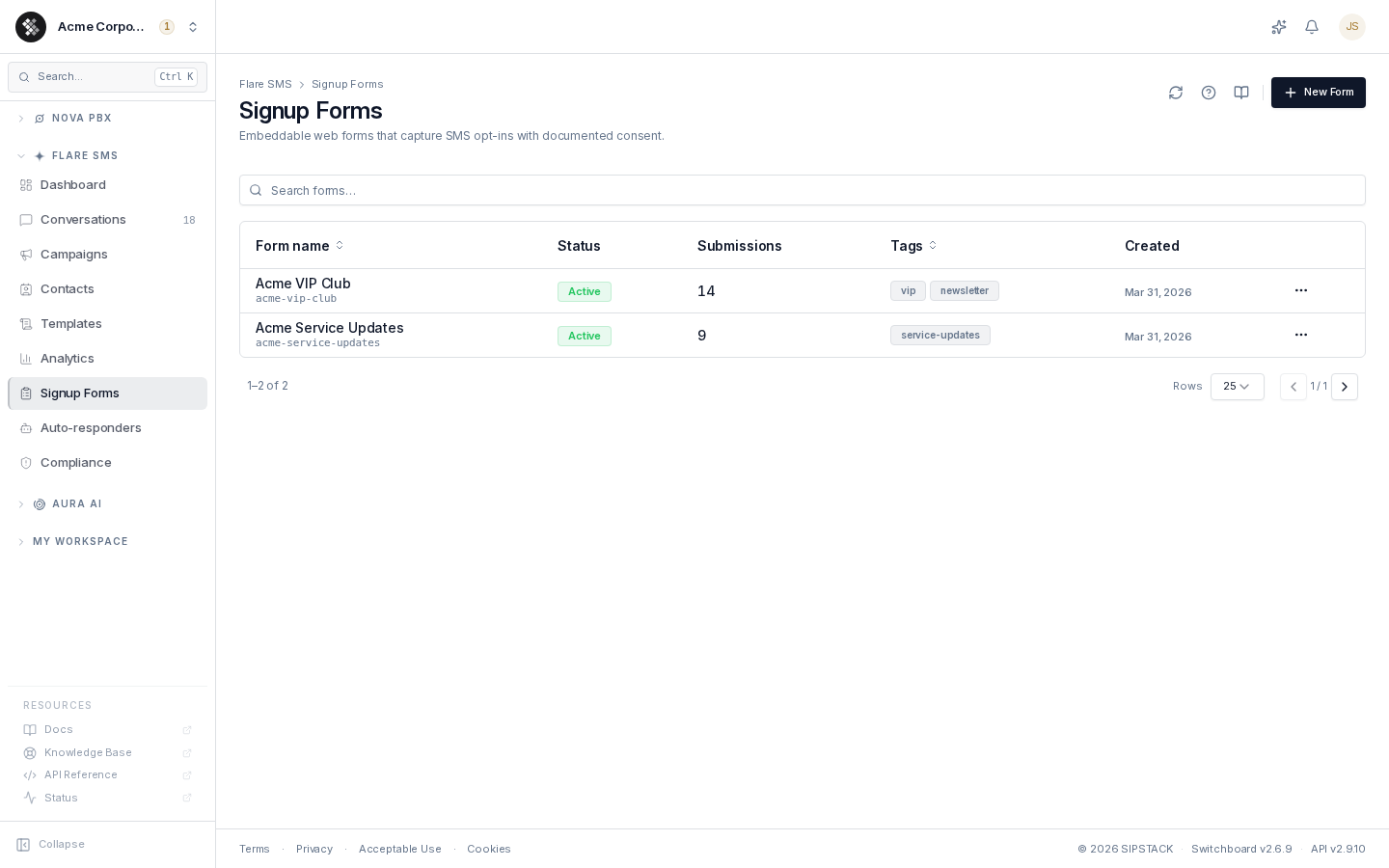
The list shows each form’s internal name and URL slug, its Active/Inactive status, total submissions, the audience tags it applies, and the creation date. Click a row to edit; use the row menu (⋯) for Embed code, Preview, Edit, and Delete.
Building a Form
Section titled “Building a Form”Click New Form and work through the editor sections:
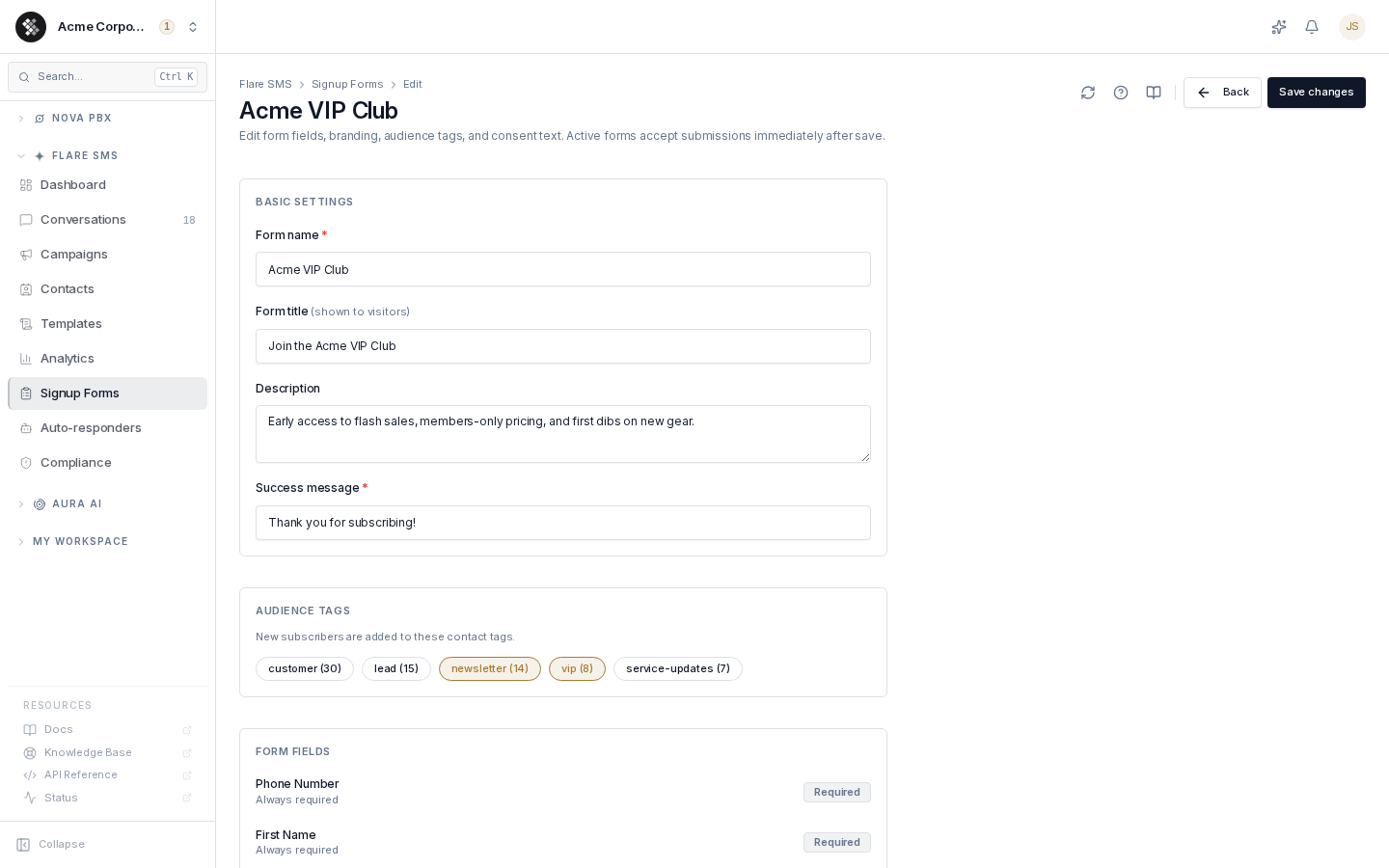
| Section | What it controls |
|---|---|
| Basic Settings | Internal form name (only you see it), the public title + description shown to visitors, and the success message displayed after submitting. |
| Audience Tags | Tags applied to every new subscriber — use these to segment signups (vip, newsletter, region-ca). Pick from your existing contact tags. |
| Form Fields | Phone number and first name are always collected (phone is required). Optionally toggle on last name, email address, and business/company. |
| CASL Consent | The consent statement rendered with a required checkbox below the form. A CASL-compliant default is provided; adjust the wording with your legal counsel if needed. |
| Appearance | Button text plus primary, background, and text colors — match your site’s branding. The hosted page and the embedded iframe both use this theme. |
Click Create form to save. Forms are active immediately; on the edit page a Form is active toggle lets you stop accepting submissions without deleting the form (the public URL stops resolving while inactive).
How Consent Is Documented
Section titled “How Consent Is Documented”Each submission records:
- The exact consent text displayed at submit time
- The submission timestamp
- The source (
webform) and the form’s name - Consent status
expresson the contact
If a contact previously opted out and then submits a signup form again, their opt-out is cleared and consent is re-documented. Duplicate phone numbers are merged into the existing contact (tags are combined, blank fields are filled in) rather than creating a second contact.
Embedding and Sharing
Section titled “Embedding and Sharing”Open the row menu and choose Embed code:
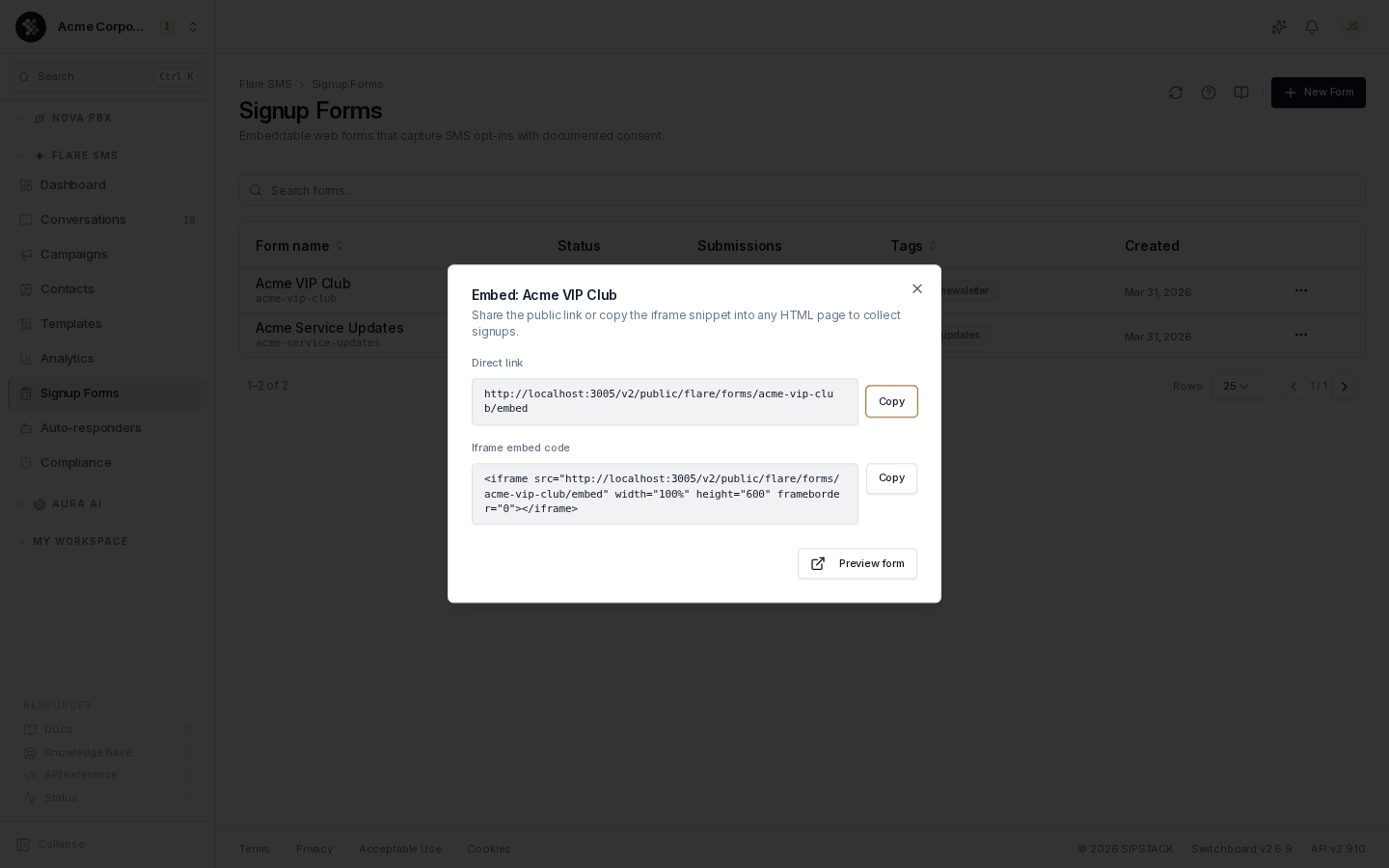
- Direct link — a hosted, standalone form page served from
go.sipstack.com. Share it anywhere: social bios, QR codes, email footers. Older links and snippets that point atapi.sipstack.comkeep working; they forward togo.sipstack.comautomatically. - Iframe embed code — paste into any HTML page (Shopify, WordPress, plain HTML) to render the form inline on your site.
The hosted page is self-contained and themed with your Appearance settings:
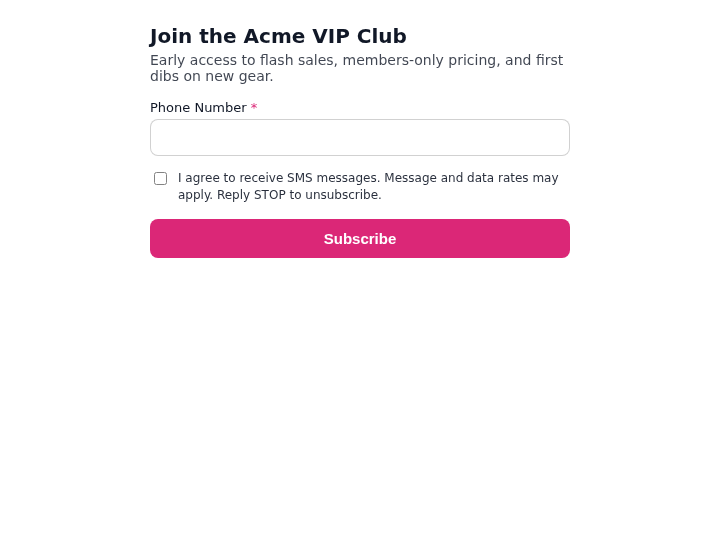
Visitors must check the consent box before the form will submit. After a successful submission the form shows your success message.
Deleting a Form
Section titled “Deleting a Form”Delete in the row menu permanently removes the form after a type-to-confirm dialog. The public URL and any embedded iframes stop working immediately. Contacts already collected are not affected.
Related
Section titled “Related”- Contacts — where signups land, including their tags and consent status
- Campaigns — target your signup tags with outbound campaigns
- Compliance — org-wide consent and opt-out defaults