

Contacts
Contacts
Section titled “Contacts”The Contacts tab in Calls brings together everyone you’d want to dial: your organization’s directory, your phone’s own address book, and your favorites. Tap anyone to call them.
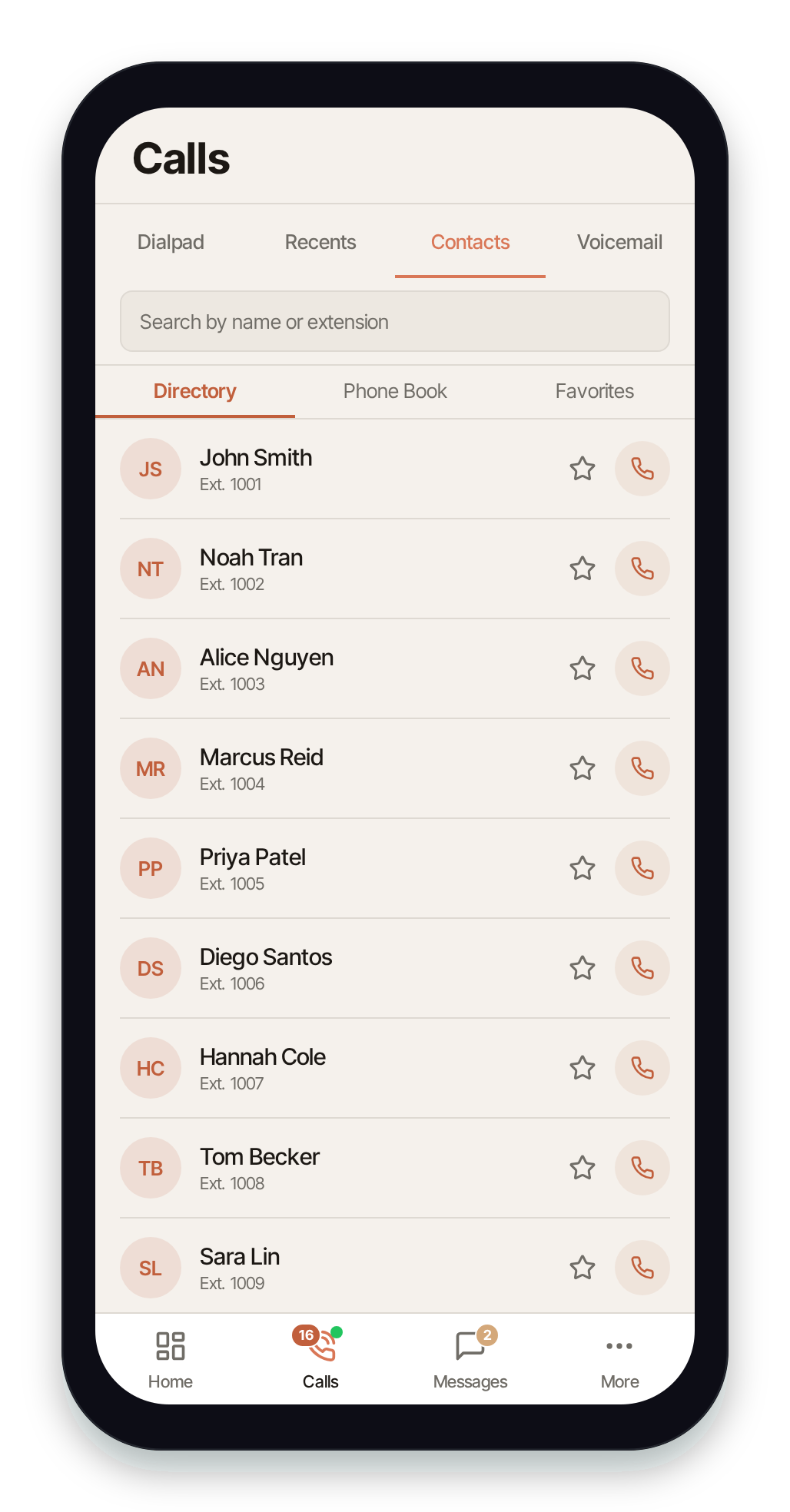
The three sub-tabs along the top switch between the lists:
Directory
Section titled “Directory”The Directory is your organization’s shared list of extensions — every colleague with a Nova extension on your account. Each entry shows the person’s name and extension number. Tap the phone button to call their extension, or star them to add them to Favorites.
Use the search bar to find someone by name or extension number. Pull down to refresh the directory.
Phone Book
Section titled “Phone Book”The Phone Book is your device’s own contacts — the same address book you use for personal calls. Tap a contact’s phone button to dial them through Pulse (using your business line).
The first time you open Phone Book, Pulse asks for permission to read your contacts:
- Tap Continue to allow access.
- If you previously denied it, Pulse shows Open Settings so you can enable Contacts access for Pulse in your device settings.
Search filters by name or number. Contacts with several numbers show how many; Pulse dials their primary number.
Your device contacts also power caller ID on calls: when an incoming or outgoing call matches a contact in your phone’s address book, Pulse shows that contact’s name (and photo, if they have one) on the ringing and in-call screens. This works without any integration. If your org also has a CRM connected, a CRM match takes precedence and adds richer context — see CRM caller context.
Favorites
Section titled “Favorites”Favorites are the directory contacts you’ve starred — a short list for one-tap calling. Star a contact from the Directory (or from a call’s detail screen) to add it; tap the star again to remove it. Your favorites also appear above the keypad on the Dialpad.
Related
Section titled “Related”- Making Calls (Dialpad) — dial a number directly.
- In-Call Controls → Transfer — the directory also powers warm and blind transfers.
- Contacts in Switchboard — manage shared contacts from the web portal.