

Integrations Overview
Integrations Overview
Section titled “Integrations Overview”The Integrations hub is where you connect SIPSTACK to the other tools your team already uses. Browse a Marketplace of CRM, helpdesk, collaboration, and automation connectors, connect the ones you need, and manage every live connection from one place. Open it from the sidebar: Account → Integrations (/account/integrations).
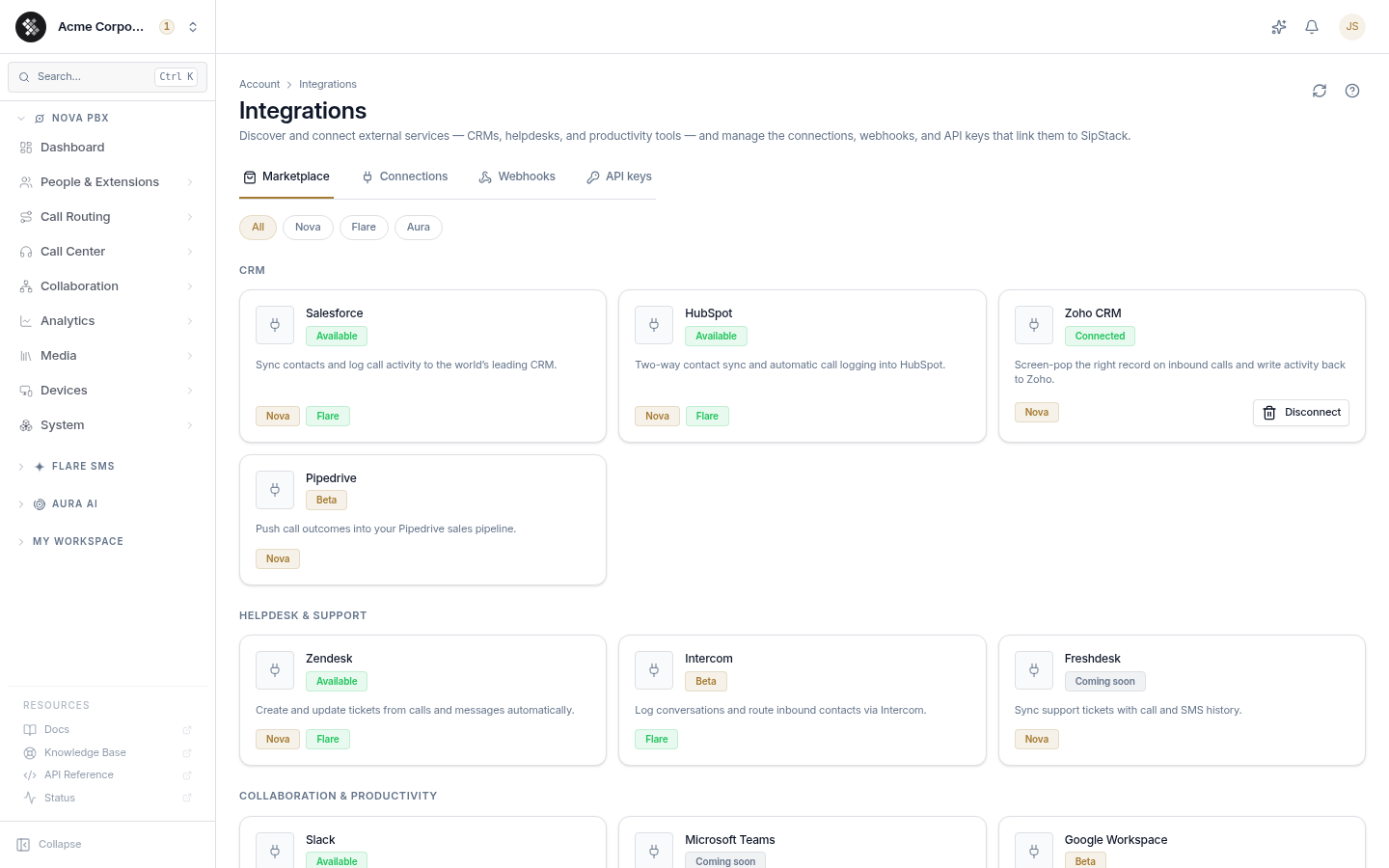
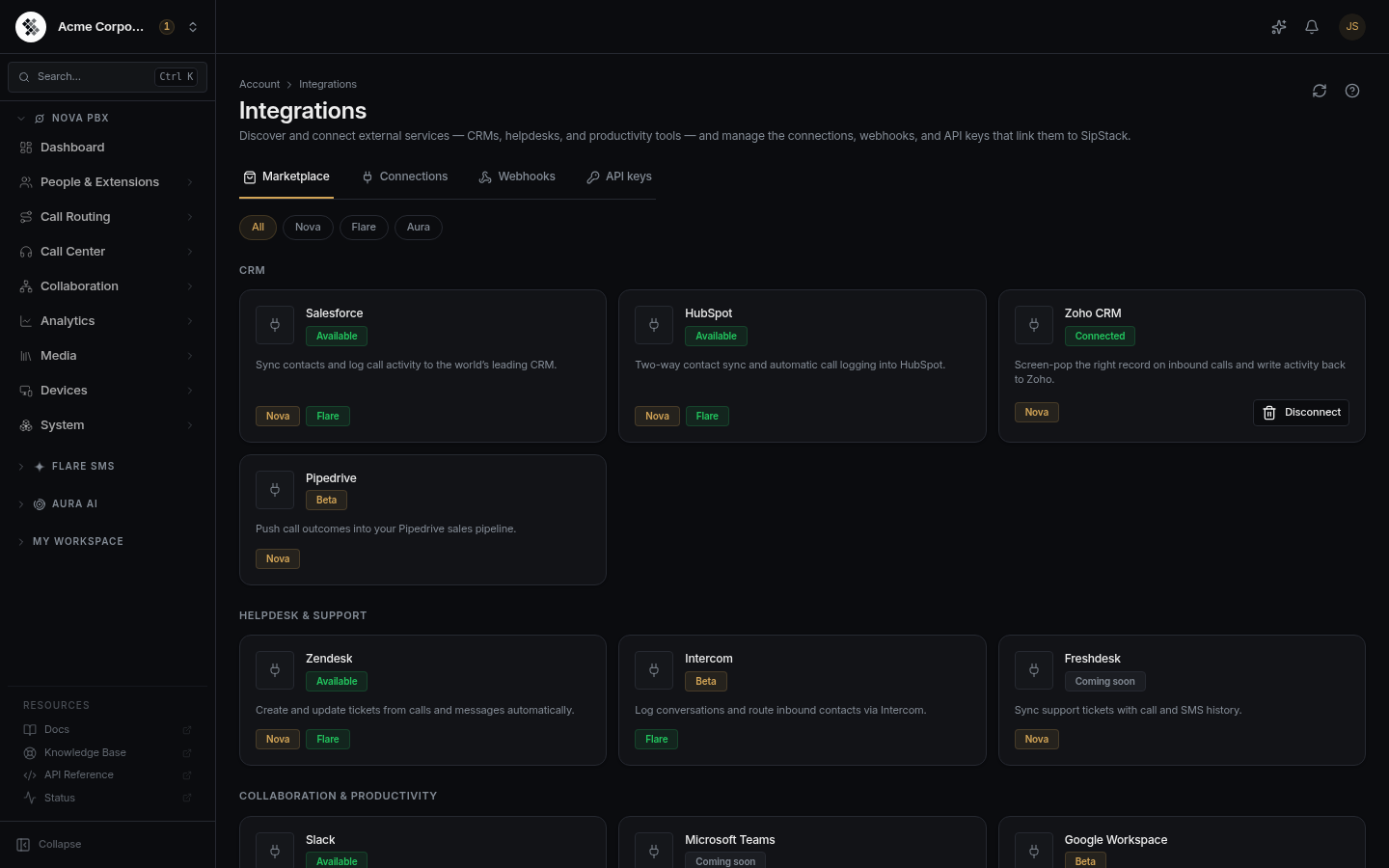
The hub has four tabs:
| Tab | What it does |
|---|---|
| Marketplace | Browse the full connector catalog, grouped by category, and connect a provider. |
| Connections | Manage the connections you’ve already made — view status and disconnect. |
| Webhooks | Register outbound webhook endpoints, pick their events, view the delivery log, and send a test event. |
| API keys | Create and manage API keys — name, scopes, and expiry — plus usage, revoke, and regenerate. |
Marketplace — discover and connect
Section titled “Marketplace — discover and connect”The Marketplace lists every connector grouped by category — CRM, Helpdesk & Support, Collaboration & Productivity, and Automation. Use the product filter chips (All / Nova / Flare / Aura) at the top to narrow the catalog to connectors built for a specific product.
Each card shows:
- The connector name and a one-line description of what it does.
- A status pill — Available (connect now), Beta (early access), or Coming soon (on the roadmap).
- Product badges (Nova / Flare / Aura) for the products the connector works with.
- A Connect button for connectors that support one-click OAuth. Once connected, the card flips to a Connected pill with a Disconnect action.
Connectors for a product you’re not subscribed to render locked (never hidden) with an upgrade link, so you can always see what’s possible on a higher plan.
Availability and plan gating
Section titled “Availability and plan gating”Connecting a CRM is included on Nova Ultra and above. On lower tiers, CRM cards show an Included on Nova Ultra badge with an upgrade link instead of a Connect button — see Subscriptions to change your plan. Browsing the Marketplace itself is open to any organization member; the connect/disconnect actions require the integrations.manage permission (see Permission Groups).
Connecting a CRM
Section titled “Connecting a CRM”For a one-click OAuth connector (for example, a CRM):
- Open Account → Integrations and stay on the Marketplace tab.
- Find the connector and click Connect. A consent sheet summarizes exactly what SIPSTACK will be allowed to do (the scopes it requests).
- Confirm to be redirected to the provider’s authorization screen, sign in, and approve access.
- You’re returned to SIPSTACK and land on the Connections tab with the new connection listed.
SIPSTACK stores only an encrypted, write-only token for the connection — your credentials are never readable back out of the app.
Connections — manage what’s linked
Section titled “Connections — manage what’s linked”The Connections tab lists every live connection for your organization: the provider, the connected account, its status, and when it was connected. Disconnect any one of them with the Disconnect action (revokes the stored token and stops syncing — you can reconnect at any time from the Marketplace).
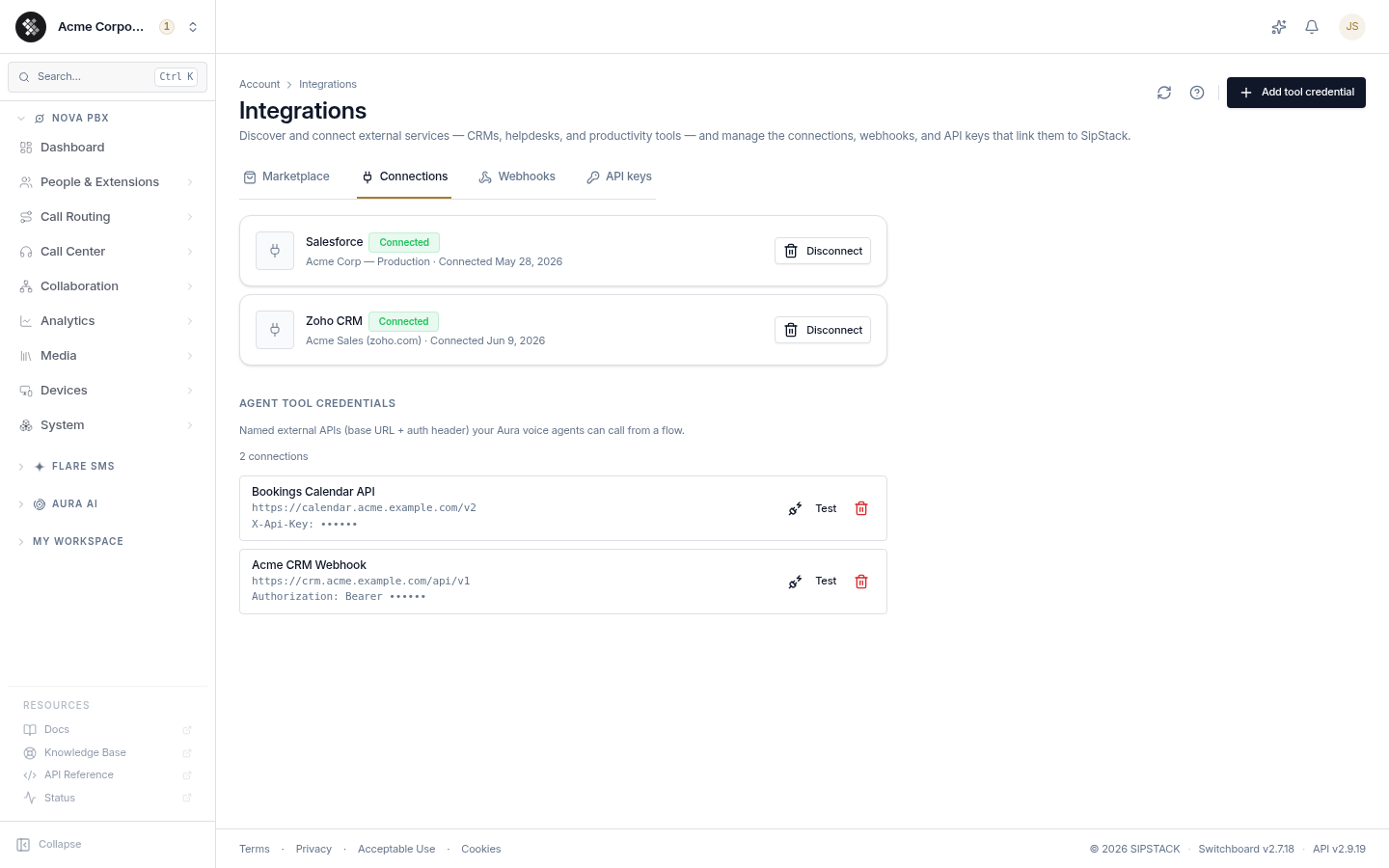
Below your provider connections, the Agent tool credentials section lists the named external APIs (base URL + auth header) that your Aura voice agents can call from a flow. These are distinct from the OAuth connections above — see Connections for the full guide on adding and testing them.
Beyond the hub — webhooks and the REST API
Section titled “Beyond the hub — webhooks and the REST API”The Marketplace covers managed, one-click connectors. For everything else, SIPSTACK exposes two lower-level building blocks:
- Webhooks — SIPSTACK pushes real-time, HMAC-signed HTTP POSTs to your endpoint when events happen — message delivery, inbound SMS, live call lifecycle (ringing / answered / hangup for screen-pop), call completion, campaign completion, and Aura AI voice-agent call start/completion (
aura.call.started/aura.call.completed), and SMS opt-out / consent changes for CRM suppression sync (contact.opted_out/contact.opted_in/contact.consent_changed, rolling out). Pairs well with no-code platforms like n8n, Make, and Zapier. - REST API — the same API that powers Switchboard, available for programmatic use. The API-key surface (
/api/v2/...) spans all three products: send SMS/MMS (Flare), full contacts CRUD + search, click-to-call and read call history / voicemails (Nova), read AI voice-agent calls with transcripts and outcomes (Aura), search and buy numbers + register E911, and manage webhook endpoints from your own code. Number ordering (POST /api/v2/numbers/order) is available by default (operators can disable it with a kill-switch); broader provisioning write automation such as PBX configuration is coming soon — if you need it today, tell support and we’ll help you get it done. See Authentication for session tokens and API keys.
Which one do I need?
Section titled “Which one do I need?”| You want to… | Use |
|---|---|
| Connect a CRM, helpdesk, or productivity tool | Account → Integrations → Marketplace |
| Let an AI voice agent act on your data during a call | Aura Connections |
| React when something happens in SIPSTACK (incl. live call screen-pop) | Webhooks |
| Send SMS/MMS, manage contacts, pull call history, or place a click-to-call from your code | REST API |
| Read AI voice-agent calls with transcripts & outcomes | REST API (Aura) |
| Buy numbers & register E911 from your code | REST API (Numbers) |
| Automate broader provisioning (configure PBX) from your code | Coming soon — tell support |
| Connect to a no-code tool (n8n, Make, Zapier) | Webhooks (trigger) + REST API (action) |
For integration help, open a ticket from Switchboard (avatar menu → Support) or email support@sipstack.com.